Integrations Overview
LangGuard integrates with AI platforms, frameworks, coding agents, and identity providers to provide unified governance and monitoring.
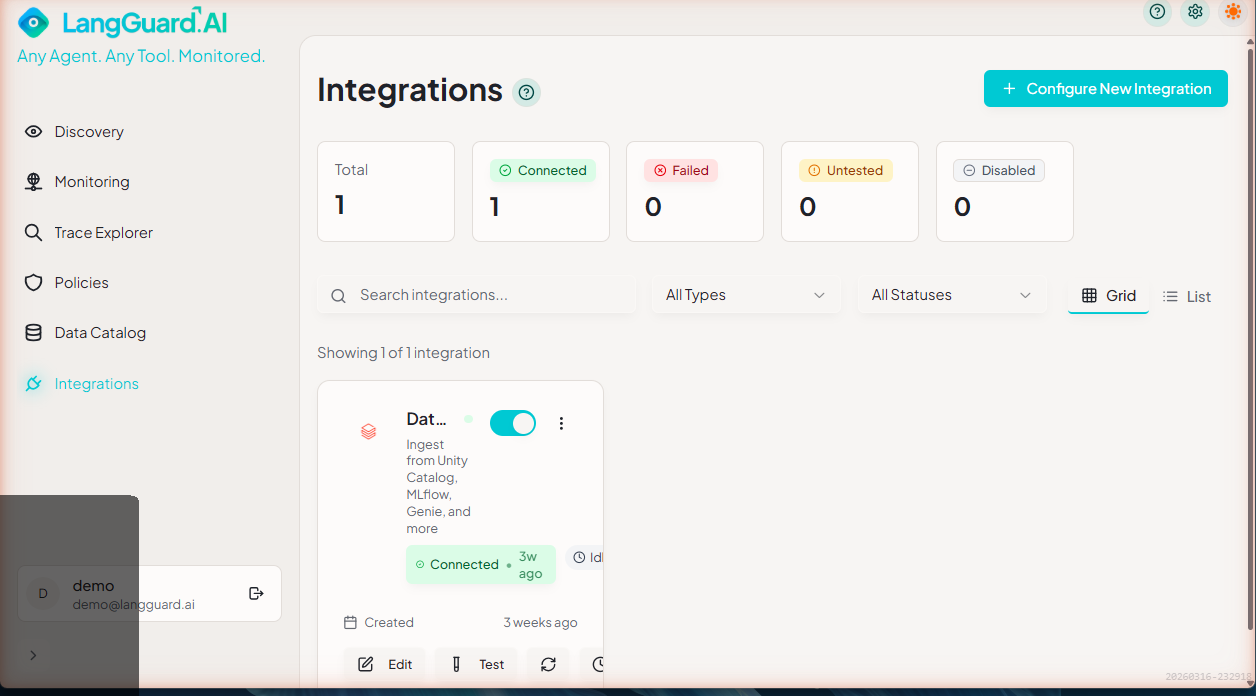
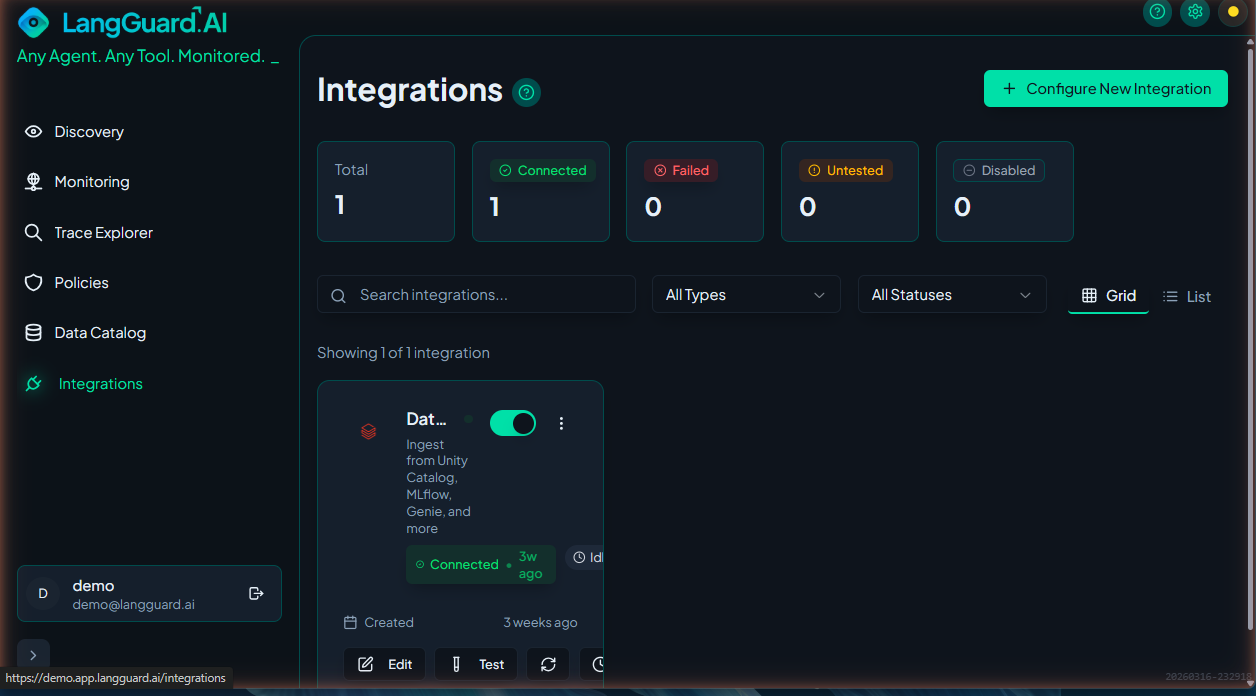
Supported Integrations
AI Gateways
| Platform | Description | Status |
|---|---|---|
| OpenRouter | Multi-provider AI gateway | ✓ Available |
| LiteLLM | Unified LLM proxy | ✓ Available |
| Cloudflare | AI Gateway observability | ✓ Available |
AI Platforms
| Platform | Description | Status |
|---|---|---|
| Azure AI Foundry | Discover AI Foundry resources, deployments, and traces | ✓ Available |
| Databricks | Ingest from Unity Catalog, MLflow, Genie, and more | ✓ Available |
| AWS Bedrock | Discover Bedrock models, provisioned throughput, and invocations | ✓ Available |
| Google Vertex AI | Google Cloud AI platform | 🚧 Coming Soon |
AI Frameworks
| Platform | Description | Status |
|---|---|---|
| MLflow | ML lifecycle management platform | ✓ Available |
| LangChain | LLM application framework | ✓ Available |
| CrewAI | Multi-agent orchestration framework | ✓ Available |
| AWS AgentCore | Amazon Bedrock AgentCore observability | ✓ Available |
Coding Agents
| Platform | Description | Status |
|---|---|---|
| Cursor | AI-powered code editor integration | ✓ Available |
| Claude Code | Anthropic Claude Code integration | ✓ Available |
| OpenCode | Open-source coding agent | ✓ Available |
| Google Antigravity | Google AI coding agent | 🚧 Coming Soon |
Identity Platforms
| Platform | Description | Status |
|---|---|---|
| Microsoft Entra ID | Identity governance and user enrichment | ✓ Available |
| Google Workspace | Identity governance and user enrichment | ✓ Available |
Network Discovery
| Platform | Description | Status |
|---|---|---|
| Splunk | Security and observability platform | 🚧 Coming Soon |
| Microsoft Sentinel | Cloud-native SIEM platform | 🚧 Coming Soon |
Endpoint Discovery
| Platform | Description | Status |
|---|---|---|
| Microsoft Defender | Endpoint detection and response | 🚧 Coming Soon |
Architecture
LangGuard uses a unified integration architecture:
┌──────────────────────────────────────────────────────────────┐
│                     LangGuard Dashboard                      │
├──────────────────────────────────────────────────────────────┤
│                    Sync Orchestrator                          │
├──────────────────────────────────────────────────────────────┤
│                   Connector Registry                         │
├─────────┬──────────┬─────────┬─────────┬─────────┬──────────┤
│ AI      │ AI       │ AI      │ Coding  │Identity │ Network  │
│Gateways │Platforms │Frameworks│ Agents │Platforms│Discovery │
└─────────┴──────────┴─────────┴─────────┴─────────┴──────────┘
Key Features
- Unified Credential Storage - AES-256-GCM encrypted credentials
- Automatic Sync - Configurable polling intervals
- Push-Based Ingestion - OpenTelemetry webhook support
- Source Tracking - Visual indicators for data origin
- Extensible - Easy to add new integrations
Adding an Integration
Via UI
- Navigate to Integrations in the sidebar
- Click Add Integration
- Browse categories to find your platform
- Click the platform card
- Enter credentials
- Test connection
- Save
Credential Security
Encryption
All credentials are encrypted before storage:
- Algorithm: AES-256-GCM
- Key: 256-bit key from
ENCRYPTION_KEYenv var - Storage: Only encrypted data in database
- Transit: HTTPS for all API calls
Best Practices
- Use service accounts - Don't use personal API keys
- Rotate regularly - Update keys quarterly
- Least privilege - Only grant needed permissions
- Monitor access - Review API key usage logs
Sync Configuration
Automatic Sync
Configure automatic synchronization:
| Setting | Description | Default |
|---|---|---|
| Enabled | Auto-sync on/off | Yes |
| Interval | Time between syncs | 15 minutes |
| Lookback | Days of history | 7 days |
| Batch Size | Items per sync | 100 |
Manual Sync
Trigger sync on-demand by clicking the Sync Now button on the integration card.
Push-Based Ingestion
For real-time ingestion, use OpenTelemetry:
POST /v1/traces
Headers:
  x-tenant-slug: your-tenant
  x-otel-signature: sha256=<hmac-signature>
See individual integration guides for setup.
Monitoring Integration Health
Connection Status
| Status | Meaning |
|---|---|
| 🟢 Connected | Credentials valid, sync working |
| 🟡 Warning | Minor issues (rate limits, etc.) |
| 🔴 Failed | Connection or auth failed |
| ⚪ Disabled | Integration manually disabled |
Sync History
View recent sync operations:
- Success/failure status
- Items fetched and ingested
- Duration
- Error messages (if any)
Troubleshooting
Common issues and solutions:
- Auth Failed - Check credentials are correct
- Rate Limited - Increase sync interval
- Timeout - Reduce batch size
- No Data - Check time range and filters
See Integration Issues for detailed help.
Integration Guides
- OpenRouter - Multi-provider AI gateway
- LiteLLM - Unified LLM proxy
- Cloudflare - AI Gateway observability
- Azure AI Foundry - Azure AI resources and traces
- Databricks - Unity Catalog, MLflow, and more
- AWS Bedrock - Bedrock models and invocations
- MLflow - ML lifecycle management
- LangChain - LLM application framework
- CrewAI - Multi-agent orchestration
- AWS AgentCore - Bedrock AgentCore observability
- Cursor - AI-powered code editor
- Claude Code - Anthropic Claude Code CLI
- OpenCode - Open-source coding agent
- Microsoft Entra ID - Identity governance and user enrichment
- Google Workspace - Identity governance and user enrichment
Need a New Integration?
Don't see your platform? Contact info@langguard.ai to request an integration.