Policy Violations
When traces trigger enabled policies, LangGuard records violations with full context for investigation and remediation.
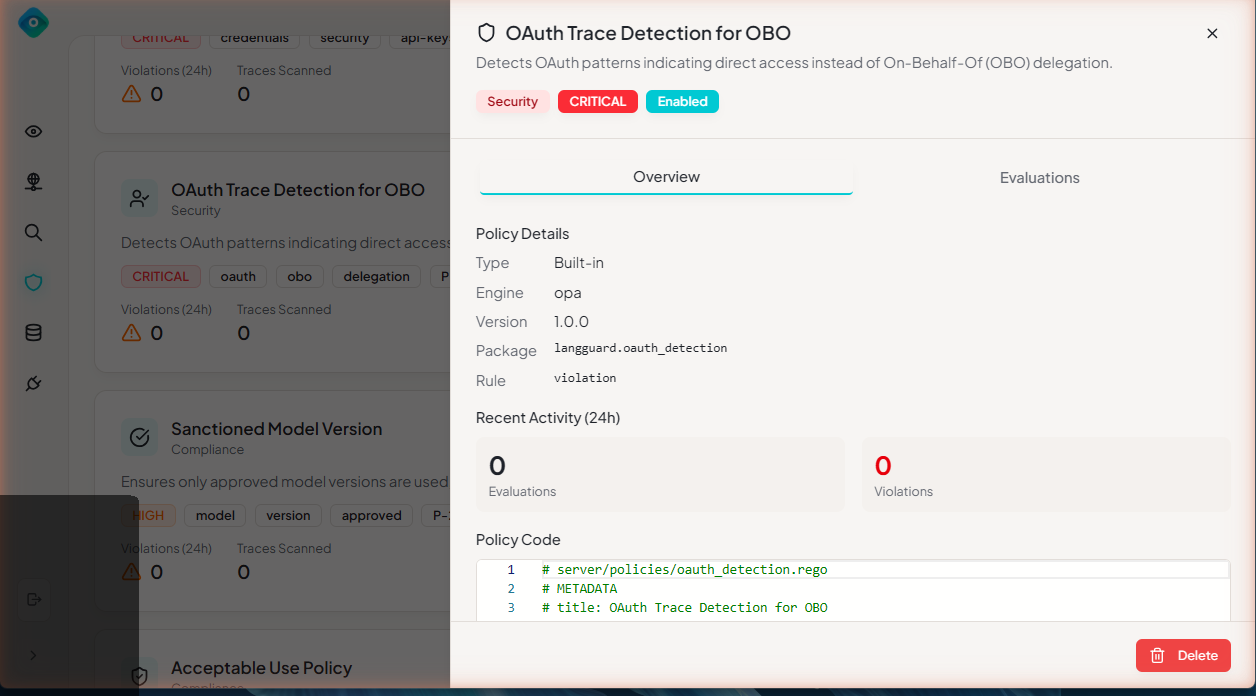
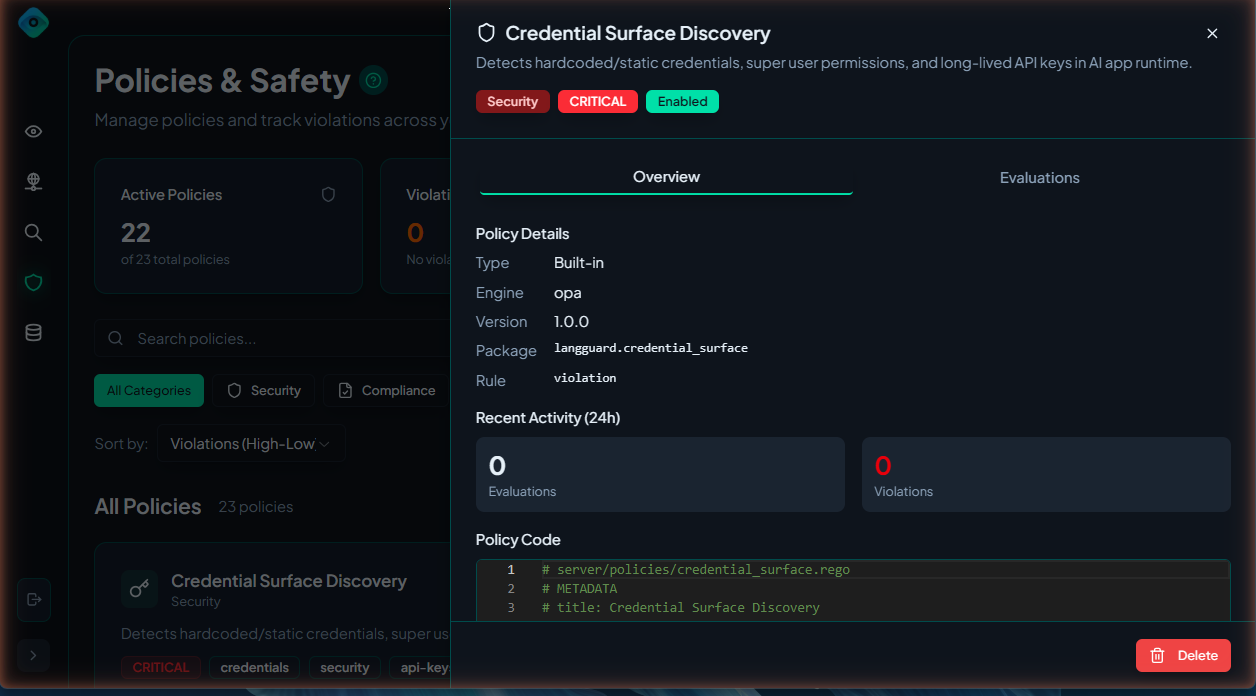
Understanding Violations
Violation Structure
Each violation includes:
| Field | Description |
|---|---|
| Policy | Which policy was triggered |
| Severity | Critical, High, Medium, Low |
| Trace | The trace that triggered it |
| Message | Human-readable explanation |
| Evidence | What specifically triggered it |
| Timestamp | When it was detected |
| Status | New, Acknowledged, Resolved |
Example Violation
┌──────────────────────────────────────────────────────────────┐
│  Policy Violation                                            │
├──────────────────────────────────────────────────────────────┤
│  Policy: PII Data Detection                                  │
│  Severity: 🔴 Critical                                       │
│  Status: New                                                 │
│                                                              │
│  Message:                                                    │
│  Email address detected in output                            │
│                                                              │
│  Evidence:                                                   │
│  Pattern: user@example.com                                   │
│  Location: output.response.text                              │
│                                                              │
│  Trace: customer_query (tr_abc123)                           │
│  Agent: CustomerService                                      │
│  Time: March 15, 2024 10:30:00 AM                            │
│                                                              │
│  [View Trace] [Acknowledge] [Mark Resolved]                  │
└──────────────────────────────────────────────────────────────┘
Viewing Violations
Violations Dashboard
Navigate to Policies > Violations:
┌───────────────────────────────────────────────────────────────┐
│  Policy Violations                              [Filter ▼]    │
├───────────────────────────────────────────────────────────────┤
│  Time       │ Policy          │ Severity │ Agent    │ Status  │
├─────────────┼─────────────────┼──────────┼──────────┼─────────┤
│  10:30 AM   │ PII Detection   │ Critical │ ChatBot  │ New     │
│  10:28 AM   │ Metadata Tag    │ Low      │ DataBot  │ New     │
│  10:15 AM   │ Credential Srf  │ Critical │ QueryBot │ Ack     │
│  10:00 AM   │ Trace Logging   │ Low      │ ChatBot  │ Resolved│
└─────────────┴─────────────────┴──────────┴──────────┴─────────┘
Filtering
Filter violations by:
- Severity: Critical, High, Medium, Low
- Status: New, Acknowledged, Resolved
- Policy: Specific policy name
- Agent: Agent that triggered violation
- Time Range: Last hour, 24h, 7d, custom
Searching
Search across violations:
Search: email agent:CustomerService severity:critical
Violation Details
From Trace Explorer
- Open any trace in Trace Explorer
- Click the Violations tab
- View all violations for that trace
From Violation List
- Click any violation row
- View full details in drawer:
- Policy information
- Evidence
- Trace context
- Related violations
Managing Violations
Violation Statuses
| Status | Meaning | Next Actions |
|---|---|---|
| New | Just detected | Review, Acknowledge |
| Acknowledged | Being investigated | Resolve, Add notes |
| Resolved | Issue addressed | Archive |
Acknowledging Violations
Mark that you've seen and are investigating:
- Select violation(s)
- Click Acknowledge
- Optionally add notes
Resolving Violations
Mark as addressed:
- Select violation(s)
- Click Mark Resolved
- Add resolution notes (recommended)
Bulk Actions
Manage multiple violations:
- Check multiple violations
- Use bulk action menu:
- Acknowledge All
- Mark All Resolved
- Export Selected
Violation Analysis
By Severity
View breakdown by severity:
Violation Distribution (Last 7 Days)
────────────────────────────────────
Critical: ████ 4
High:     ██████████ 12
Medium:   ████████████████████ 25
Low:      █████████ 9
By Policy
See which policies trigger most:
Top Policies (Last 7 Days)
────────────────────────────────────
1. PII Detection        18 violations
2. Metadata Tagging     15 violations
3. Credential Surface   12 violations
4. Unapproved Tool       5 violations
By Agent
Identify problematic agents:
Violations by Agent (Last 7 Days)
────────────────────────────────────
CustomerService    22 violations
DataProcessor      15 violations
EmailBot           8 violations
Trends
Track violations over time:
Daily Violations (Last 30 Days)
30 |                    ╭─╮
   |                 ╭──╯ ╰╮
20 |    ╭───╮    ╭──╯      ╰──╮
   | ╭──╯   ╰────╯            ╰───
10 |─╯
   └────────────────────────────────
    1  5  10  15  20  25  30
Trace Details with Violations
Overview Card
In trace details, violations appear prominently:
┌──────────────────────────────────────────┐
│  Policy Violations (2)                   │
├──────────────────────────────────────────┤
│  🔴 Critical: PII Data Detection         │
│     Email address in output              │
├──────────────────────────────────────────┤
│  🟡 Low: Metadata Tagging                │
│     Required field missing: ai_app_id    │
└──────────────────────────────────────────┘
Evidence Display
Click to expand violation evidence:
Evidence:
├── Pattern Matched: email
├── Value: "user@example.com"
├── Location: output.response.text
├── Position: characters 145-165
└── Context: "...contact us at user@example.com for..."
For programmatic access to violations, see the API documentation.
Incident Response
Incident Response
When critical violations occur:
- Triage - Review violation details
- Investigate - Check trace and evidence
- Acknowledge - Mark as being worked
- Remediate - Fix the underlying issue
- Resolve - Mark complete with notes
- Review - Analyze to prevent recurrence
Regular Review
Weekly violation review process:
- Filter to last 7 days
- Sort by severity (Critical first)
- Review each violation:
- Is the policy working correctly?
- Is this a true positive?
- What action is needed?
- Acknowledge reviewed items
- Create tickets for follow-up
False Positives
When violations are false positives:
- Review the policy logic
- Adjust thresholds or patterns
- Mark violation as resolved
- Add note: "False positive - policy adjusted"
- Monitor for recurrence
Best Practices
1. Don't Ignore Violations
Every violation represents a potential issue. Establish a process for review.
2. Tune Policies
High false positive rates indicate policies need adjustment:
- Narrow regex patterns
- Adjust thresholds
- Add exceptions
3. Document Resolutions
Always add notes when resolving:
Resolved: False positive. User email was in allowed list.
Policy updated to exclude @company.com addresses.
4. Track Trends
Rising violation counts may indicate:
- New agent behavior
- Changed data patterns
- Policy needs adjustment
5. Automate Where Possible
For known-acceptable violations:
- Create exceptions in policies
- Use allowlists for approved patterns
- Adjust severity levels appropriately
Next Steps
- Creating Policies - Adjust or create policies
- Trace Explorer - Investigate traces
- Troubleshooting - Common issues