AI Policy Authoring
The Policy Authoring Agent turns a plain-language description of what you want into a verified Rego policy — generating it, red-teaming it, and explaining it so you don't have to be a Rego expert.
Where: Policies → Create Policy → AI authoring (/policies/author)
The five stages
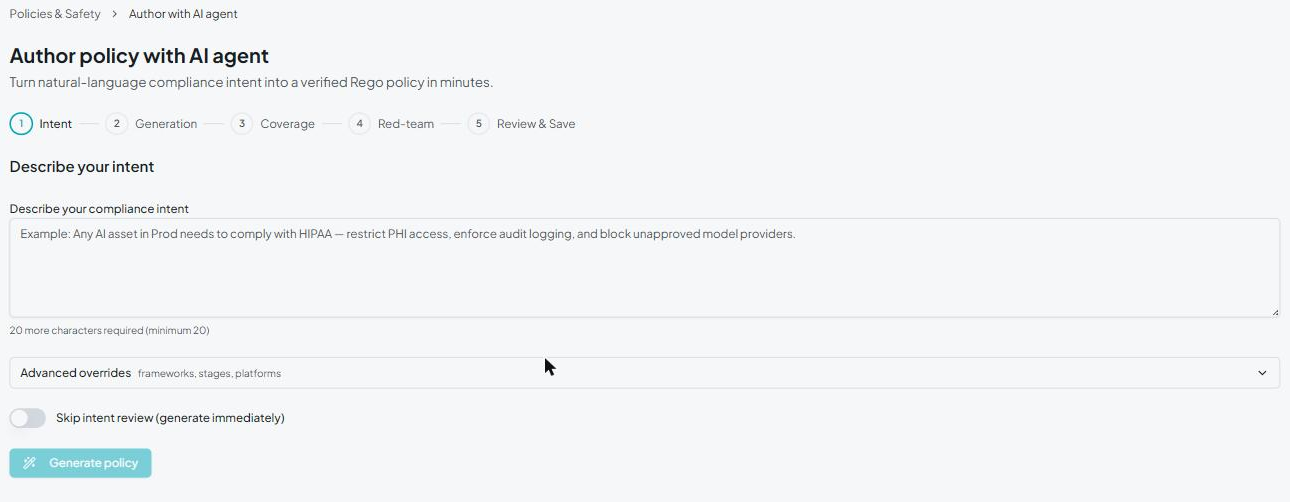
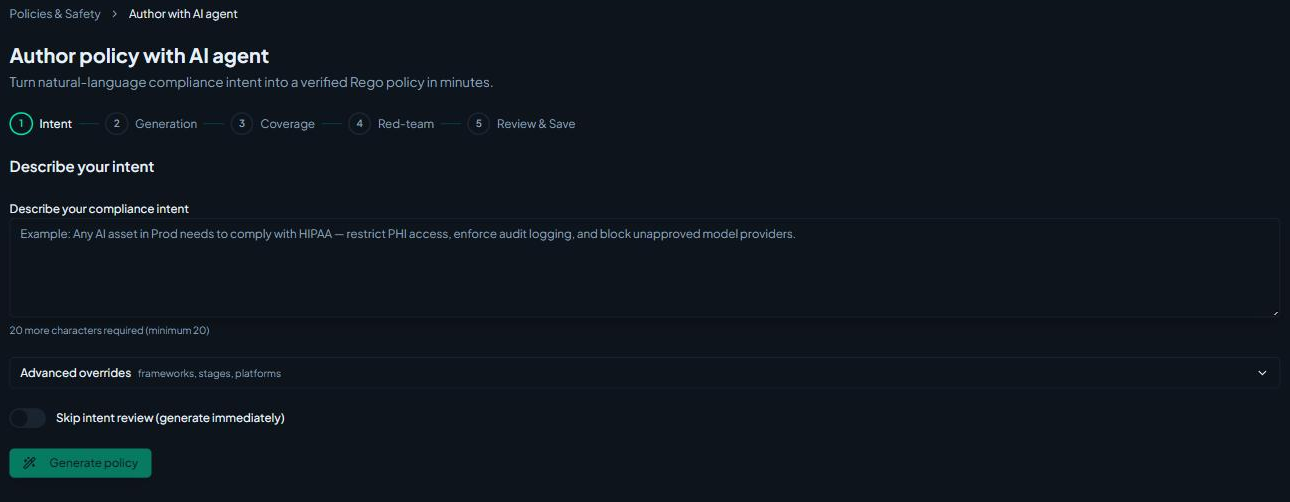
The wizard walks through five stages, shown as a stepper at the top:
1. Intent
Describe the rule in plain language — for example, "Any AI asset in Prod must comply with HIPAA: restrict PHI access, enforce audit logging, and block unapproved model providers." Under Advanced overrides you can pin the compliance framework, lifecycle stage, and platform the policy targets. A Skip intent review toggle lets experienced users jump straight to generation.
2. Generation
The agent writes the Rego live, streaming its progress so you can watch the policy take shape.
3. Coverage
A coverage matrix maps the controls implied by your intent against the rules the agent actually generated, with a plain-language explanation of each rule. This is the key step for non-technical stakeholders to confirm the policy does what was asked — without reading Rego.
4. Red-team
The agent generates adversarial test cases and shows which ones the policy catches and which slip through, surfacing gaps. You can ask it to remediate the gaps before moving on.
5. Review & Save
Review the final Rego in the editor, set the policy's metadata (name, description, category, severity), and save. The new policy joins your policy set and starts evaluating traces.
Pause, resume, and remediate
The wizard is iterative — you can pause at any stage and resume later, and loop back to have the agent tighten coverage or fix red-team findings before you commit. Nothing is saved as an active policy until you finish the Review & Save step.
When to use hand-written Rego instead
AI authoring is the fastest path for most policies. When you need full control over the evaluation logic — or want to fine-tune what the agent produced — see Creating Policies for the Rego model, input schema, and common patterns.
Next steps
- Creating Policies — write or fine-tune Rego by hand
- Built-in Policies — the policies shipped out of the box
- Policy Violations — work the violations your policies raise