Workflow Governance
Workflow Governance manages the lifecycle of the AI assets LangGuard discovers — moving each agent, model, or tool through stages such as Proposed → Approved → Deprecated, with policy-enforced gates between stages. It turns the inventory in Discovery and the Data Catalog into a governed approval workflow.
There are two parts:
- Workflow Kanban (
/workflows) — a board for moving assets through lifecycle stages - Workflow Policies (
/workflow-policies) — the gates that control when an asset may advance
Workflow Kanban
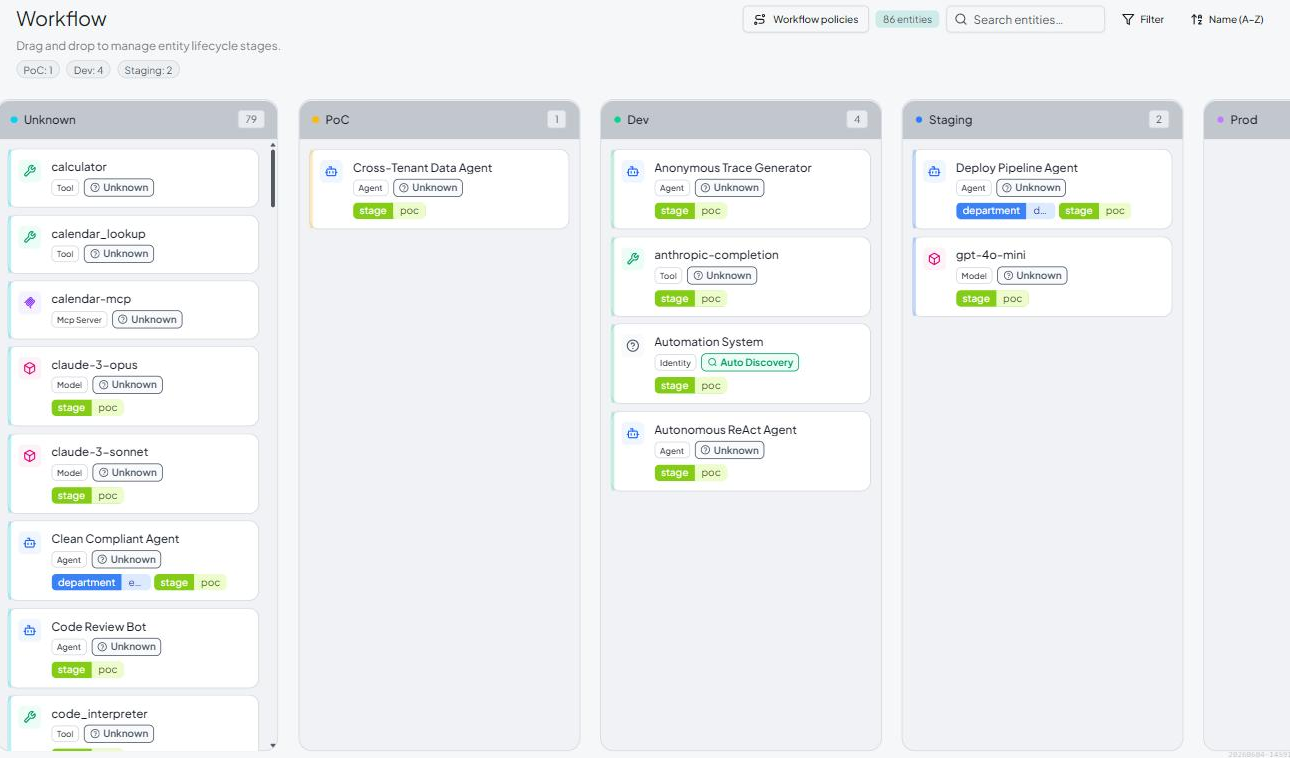
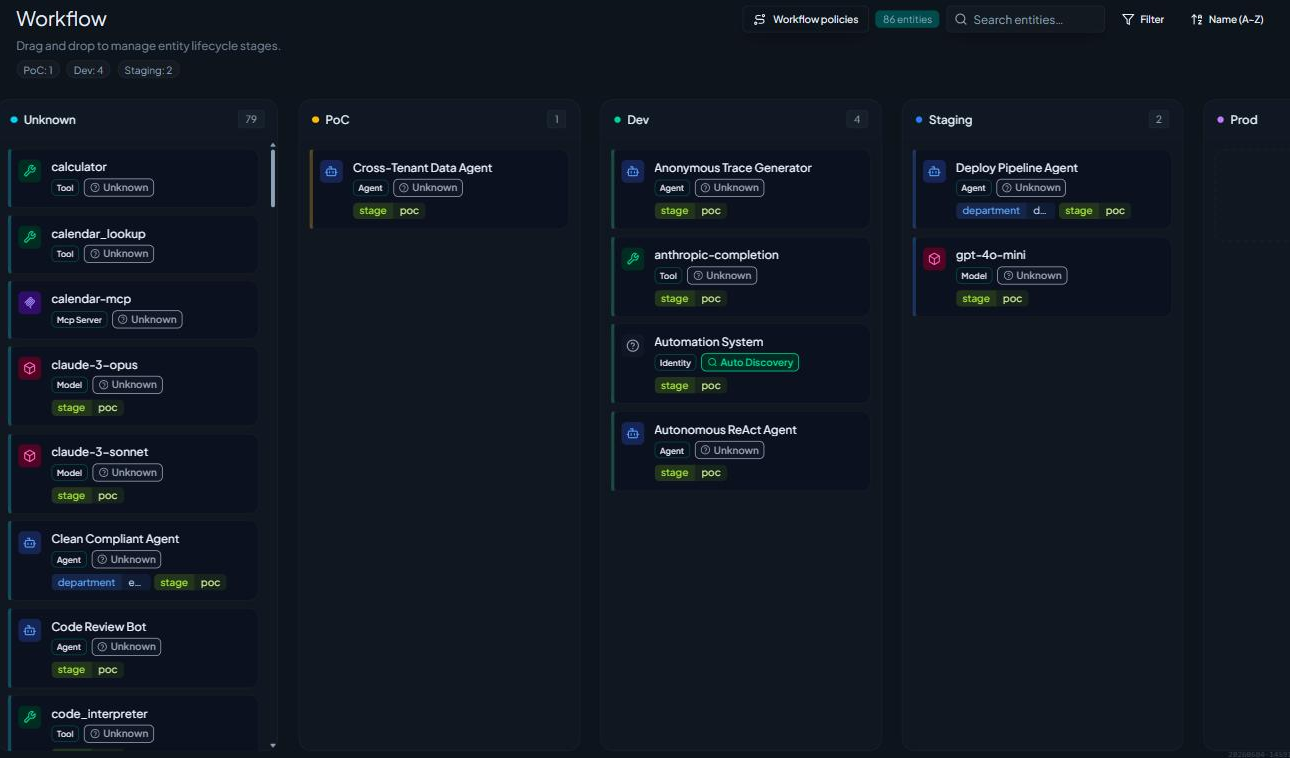
The Kanban board organizes every discovered entity into columns by lifecycle stage. Each card is an AI asset; the column header shows how many assets sit in that stage.
- Drag and drop a card to move an asset to a new stage.
- Multi-select several cards to promote them together.
- Filter and search to focus on a team, owner, or asset type.
Workflow Policies (gated promotion)
Moving an asset to the next stage isn't just a drag — it's a gate. Each stage can require a set of checks to pass before an asset is allowed to advance. The Workflow Policies page shows each stage, the checks that gate it, and a timeline and activity feed of promotions.
Promotion is OPA-gated: when you try to advance an asset, LangGuard evaluates the stage's checks (as Rego, via Open Policy Agent) and only permits the move if they pass. If a check fails, the promotion is blocked and the reason is shown.
Custom Workflow Checks
The checks that gate promotion are managed in Settings → Custom Checks. LangGuard ships built-in checks (for example, requiring an owner or specific tags before an asset can be approved), and you can add your own. Each check is evaluated against the asset and its trace activity when a promotion is attempted.
To manage checks:
- Go to Settings → Custom Checks.
- Add or edit a check and choose which lifecycle stage it gates.
- Save — the check applies to the next promotion attempt for that stage.
How it relates to policies
Workflow checks and runtime policies both use Rego/OPA, but they apply at different moments:
- Runtime policies evaluate traces as activity happens (allow / notify / block).
- Workflow checks evaluate assets when you try to promote them between lifecycle stages.
Together they let you govern both what your agents do and how they progress from proposal to production to retirement.
Next steps
- Discovery & Inventory — the assets you're governing
- Data Catalog — asset details and lineage
- Creating Policies — author the Rego behind checks