Cost Estimates
Configure cost-per-token rates so LangGuard can calculate cost metrics for traces in Trace Explorer and Monitoring dashboards.
Navigation: Settings > Cost Estimates (/settings/cost-estimates)
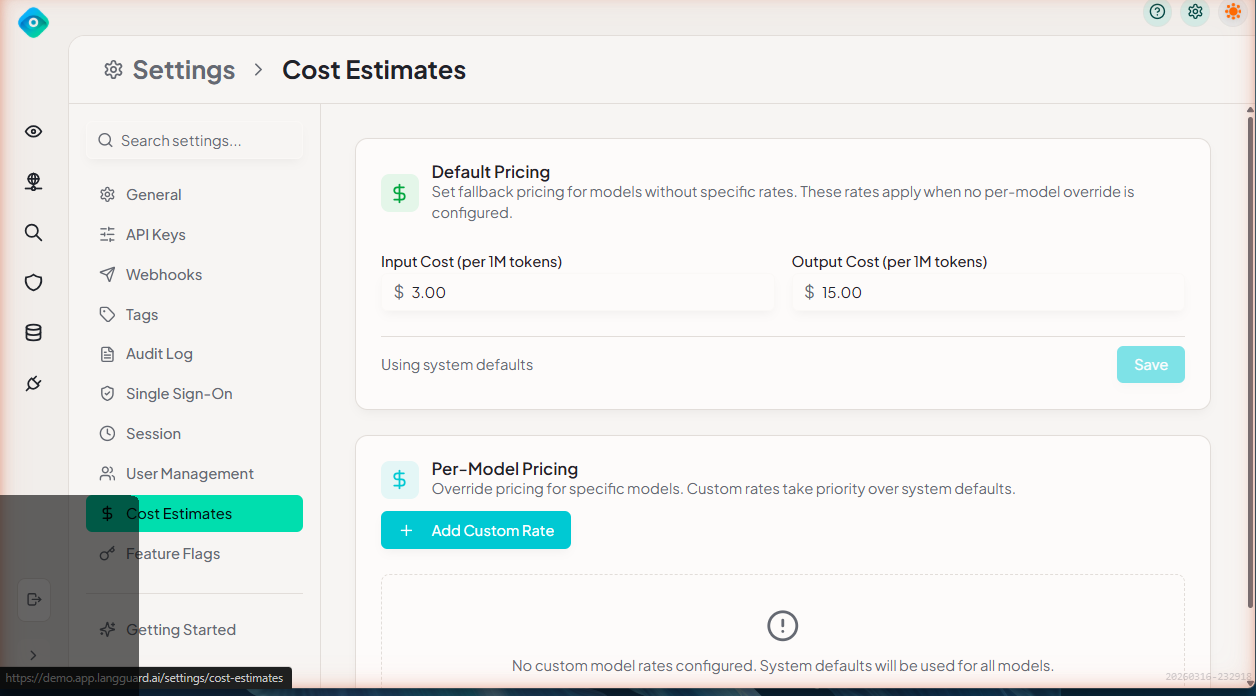
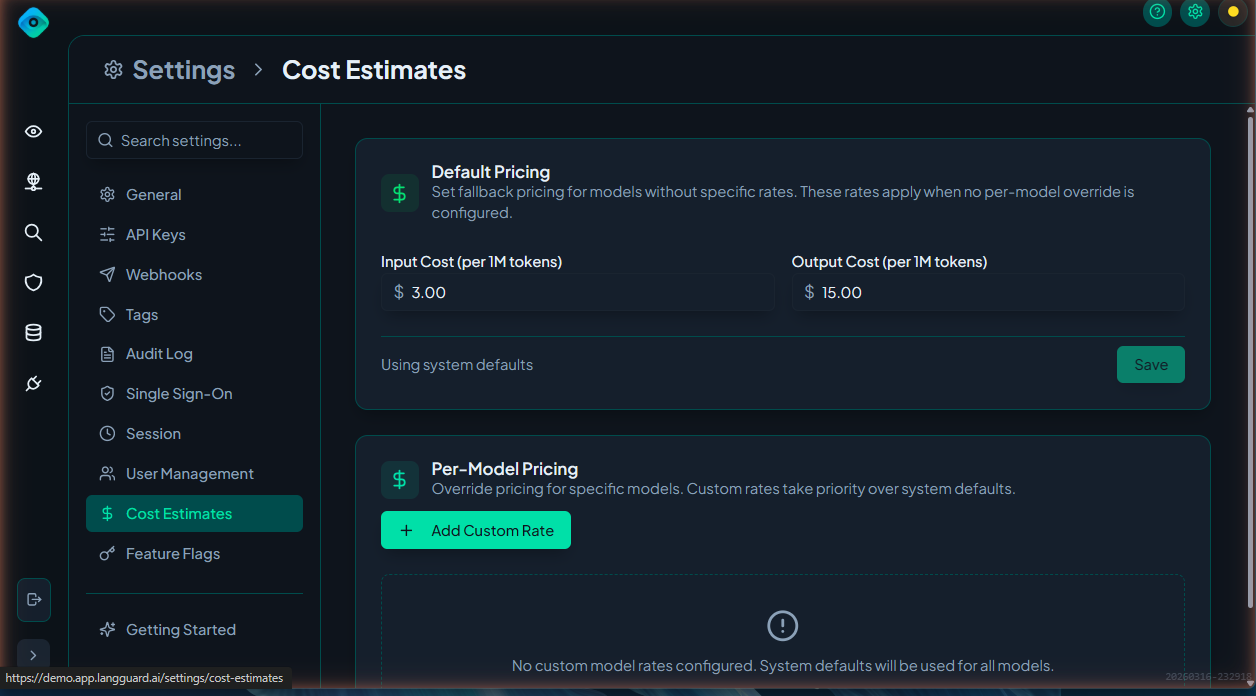
Overview
LangGuard estimates the cost of each trace based on the number of input and output tokens and the model used. These estimates appear in:
- Trace Explorer — Cost column and trace detail view
- Monitoring — Cost tracking and trend charts
- KPI Summary Cards — Total cost across all traces
Default Estimates
LangGuard ships with default cost-per-token rates for popular models:
| Model | Input (per 1K tokens) | Output (per 1K tokens) |
|---|---|---|
| GPT-4 | $0.03 | $0.06 |
| GPT-4 Turbo | $0.01 | $0.03 |
| GPT-3.5 Turbo | $0.0005 | $0.0015 |
| Claude 3 Opus | $0.015 | $0.075 |
| Claude 3 Sonnet | $0.003 | $0.015 |
Default rates are updated periodically but may not reflect the latest pricing.
Custom Overrides
Override default rates or add rates for models not in the default list:
- Navigate to Settings > Cost Estimates
- Click Add Model or edit an existing entry
- Enter:
- Model Name — Must match the model name in your traces (e.g.,
gpt-4-turbo-2024-04-09) - Input Cost — Cost per 1,000 input tokens
- Output Cost — Cost per 1,000 output tokens
- Model Name — Must match the model name in your traces (e.g.,
- Click Save
Model Name Mapping
The model name in your cost estimate configuration must match the model.name attribute in your traces. If your traces report models with specific version identifiers (e.g., gpt-4-turbo-2024-04-09), configure the cost estimate with that exact name.
Best Practices
- Update rates when pricing changes — Model providers update pricing regularly
- Add custom models — If you use fine-tuned or self-hosted models, add their cost rates manually
- Use specific model names — Match the exact model identifiers in your traces for accurate cost calculation
- Review cost trends — Use the Monitoring dashboard to identify cost anomalies and optimization opportunities