General Settings
The General settings page lets you configure basic workspace properties.
Navigation: Settings > General (/settings/general)
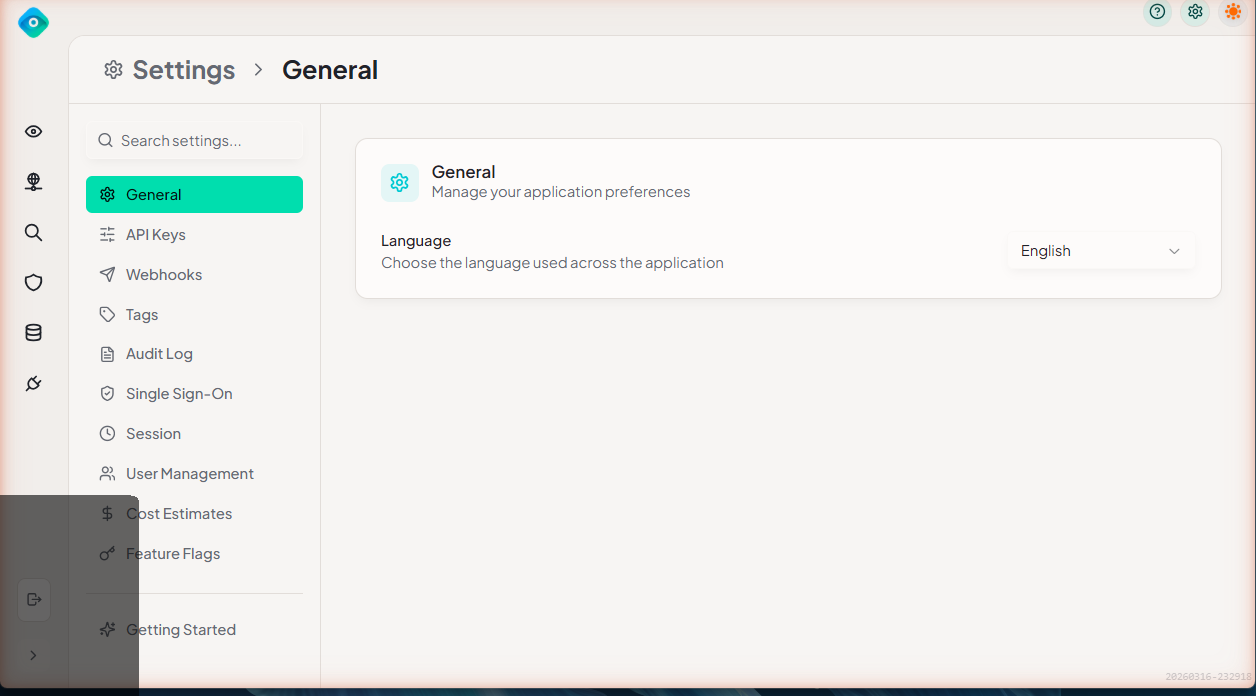
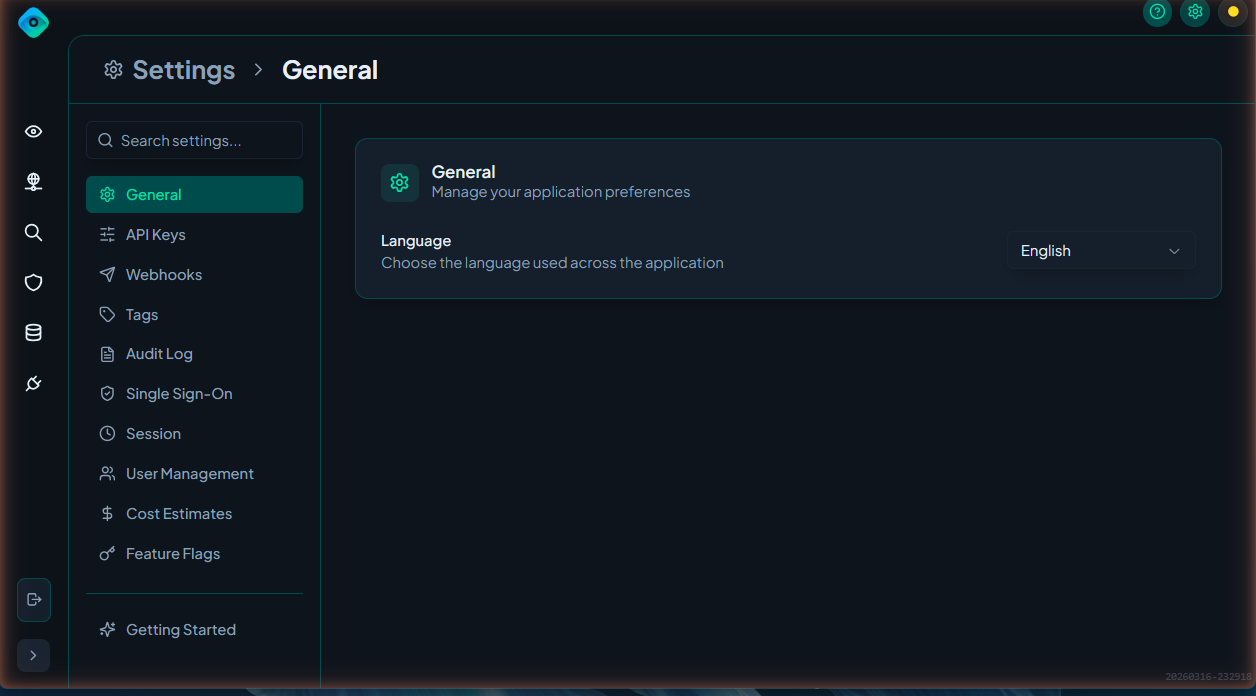
Workspace Name
Set the display name for your LangGuard workspace. This name appears in:
- The navigation sidebar header
- Email notifications and invitations
- API responses
To update:
- Navigate to Settings > General
- Edit the Workspace Name field
- Click Save
Workspace Display Settings
Configure how your workspace appears to members:
- Workspace Name — The name shown across the platform
- Timezone — Default timezone for displaying dates and times