Webhooks
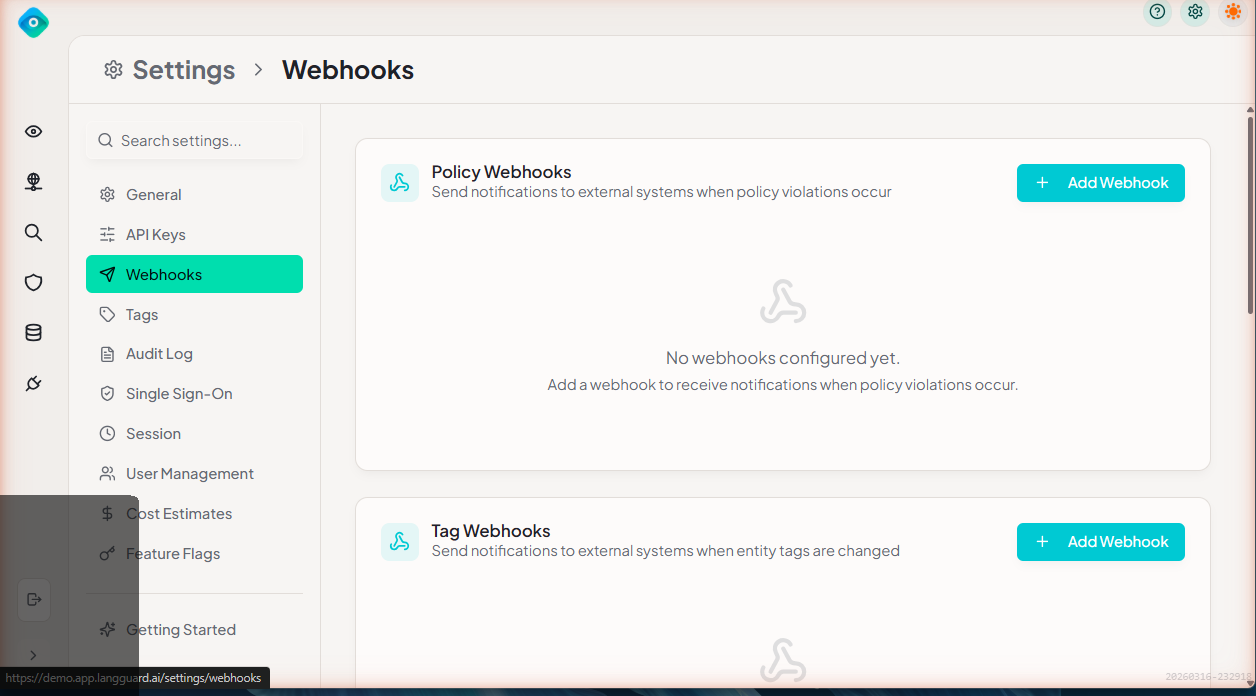
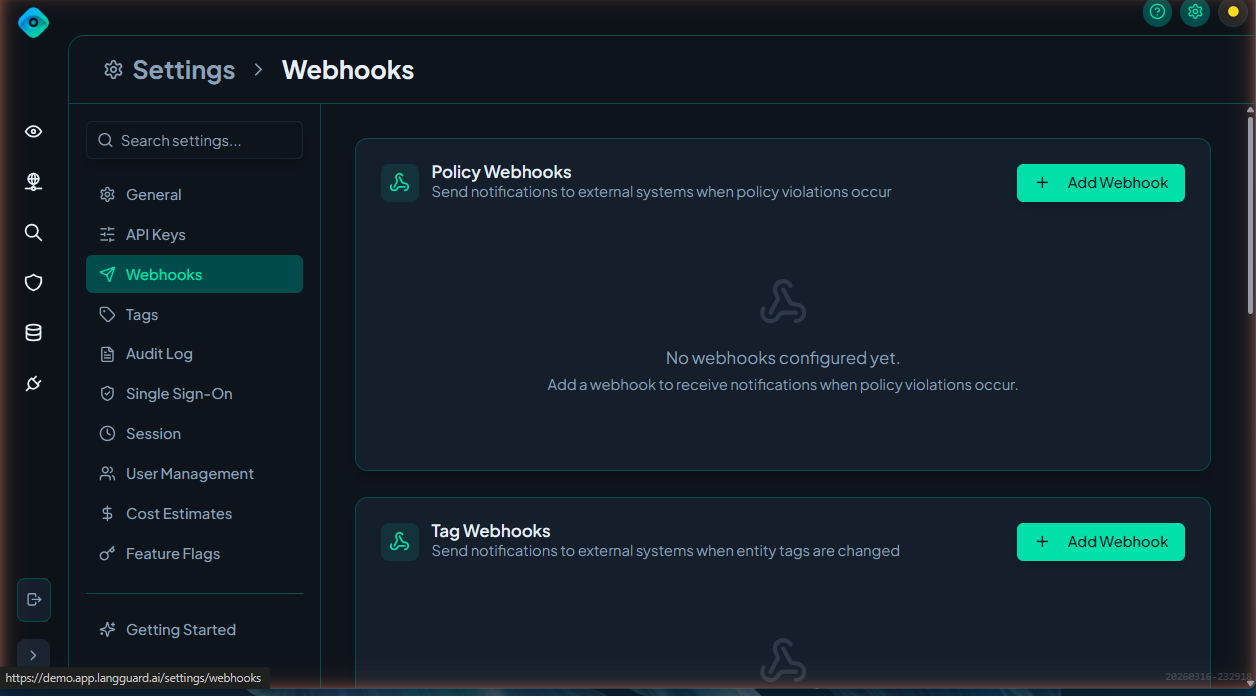
Outbound webhooks let you send real-time notifications to external systems when events occur in LangGuard.
Navigation: Settings > Webhooks (/settings/webhooks)
Overview
Webhooks deliver HTTP POST requests to your configured endpoints whenever specific events occur. Use them to integrate LangGuard with alerting systems, ticketing tools, Slack bots, or custom automation.
Creating a Webhook
- Navigate to Settings > Webhooks
- Click Add Webhook
- Configure the webhook:
- URL — The HTTPS endpoint to receive events
- Secret — A shared secret for verifying webhook signatures
- Events — Select which event types to subscribe to
- Click Save
Event Types
| Event | Description |
|---|---|
policy.violation | A policy violation was detected on a trace |
entity.tag.changed | A tag was added to or removed from an entity |
entity.approval.changed | An entity's approval status changed (approved, under review, blocked) |
entity.discovered | A new AI asset was discovered |
Webhook Payload
Each webhook delivery includes:
{
  "event": "policy.violation",
  "timestamp": "2026-03-17T14:30:00Z",
  "data": {
    "traceId": "tr_abc123",
    "policyName": "PII Detection",
    "severity": "critical",
    "message": "Email address detected in output"
  }
}
Signature Verification
LangGuard signs each webhook payload using HMAC-SHA256 with your configured secret. The signature is included in the X-LangGuard-Signature header.
Verify the signature in your handler to ensure requests are authentic:
import crypto from 'crypto';

function verifyWebhook(payload: string, signature: string, secret: string): boolean {
  const expected = crypto
    .createHmac('sha256', secret)
    .update(payload)
    .digest('hex');
  return crypto.timingSafeEqual(Buffer.from(signature), Buffer.from(expected));
}
Managing Webhooks
Enable/Disable
Toggle individual webhooks on or off without deleting them. Disabled webhooks stop receiving events but retain their configuration.
Delivery History
View recent webhook deliveries:
- Timestamp — When the delivery was attempted
- Event — The event type
- Status — Success (2xx) or failure (4xx/5xx)
- Response — HTTP status code from your endpoint
Retry Logic
Failed deliveries are retried automatically:
- Up to 3 retry attempts
- Exponential backoff between retries
- Webhooks are disabled automatically after sustained failures
Best Practices
- Use HTTPS endpoints — Webhook payloads may contain sensitive data
- Verify signatures — Always validate the
X-LangGuard-Signatureheader - Respond quickly — Return a 2xx status within 5 seconds; process asynchronously if needed
- Monitor delivery history — Check for failed deliveries regularly